

Conquer Any Course, Indoors.
Simulate real courses on your treadmill, follow structured workouts, and track every run — all from one app.
Smart Treadmill ControlStructured WorkoutsRunning Power MetricsActivity Sync
Simulate real courses on your treadmill, follow structured workouts, and track every run — all from one app.

Core Features
One focused app for course simulation, structured workouts, and activity sync.
Load outdoor routes and feel every climb and descent on FTMS-compatible treadmills, so your treadmill sessions match real-course demands.
Get more meaningful Stryd power feedback with automatic incline-aware adjustments that better reflect true running effort.
Run planned intervals and workout blocks while course simulation continues, combining targeted execution with terrain realism.
Send completed runs to services like Strava and Intervals.icu, so your indoor work stays connected to your full training history.

Library
Organize your key courses in one place so your next treadmill session is always tied to race prep, not random miles.

Planning
Choose today’s session quickly and move from planning to execution without bouncing between multiple apps.
Execution
PowerTread translates course elevation into FTMS incline changes so pacing and effort naturally mirror outdoor running.

Workout Mode
Hit your workout targets while route simulation continues, delivering structure and specificity in a single, focused session.
Getting Started
Follow these steps to verify your equipment and start your first session.
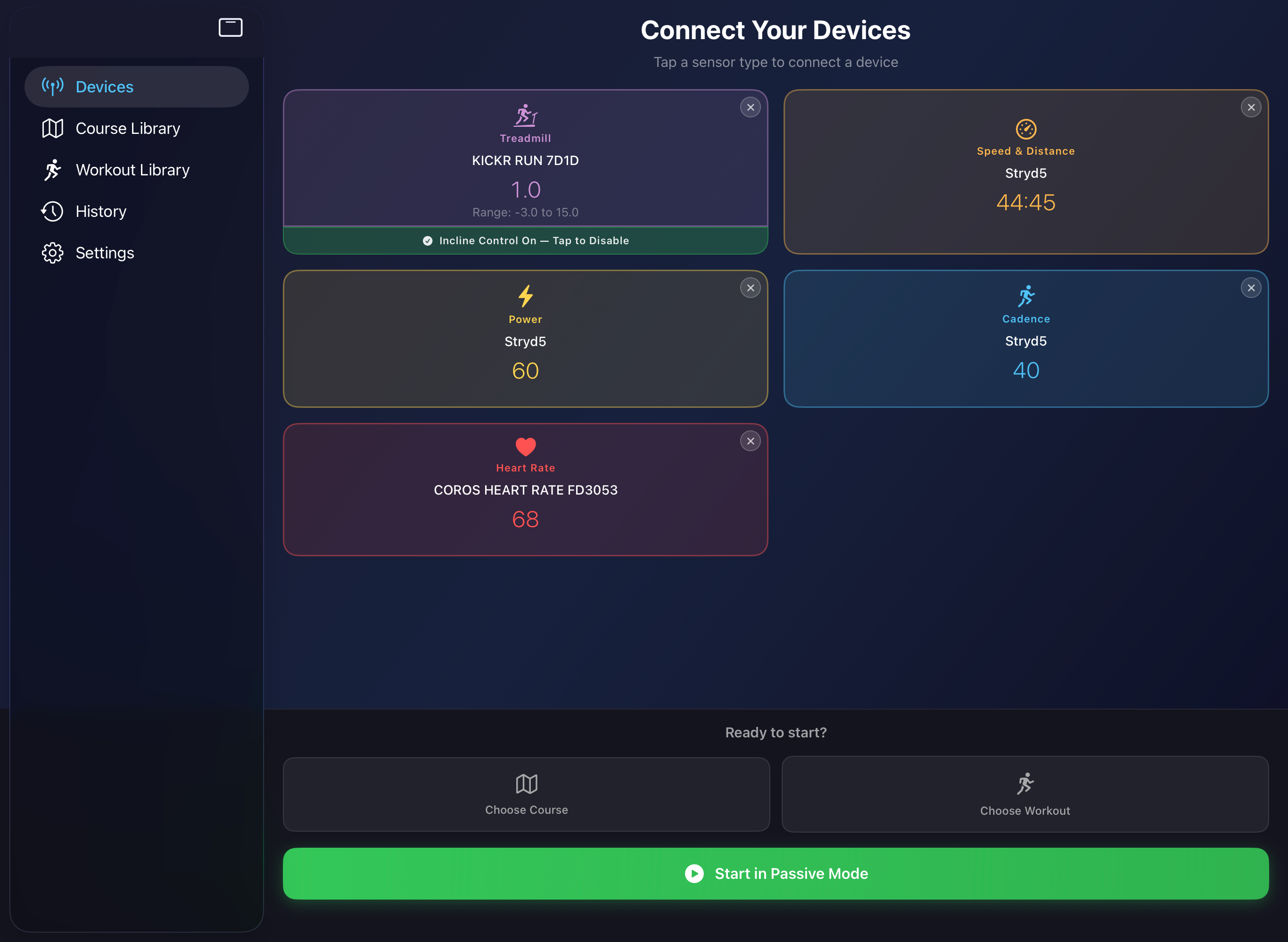
Connect your FTMS-compatible treadmill and a Speed & Distance sensor. Feel free to connect other sensors like Power, Heart Rate, and Cadence. PowerTread will discover nearby devices automatically — just tap to pair.
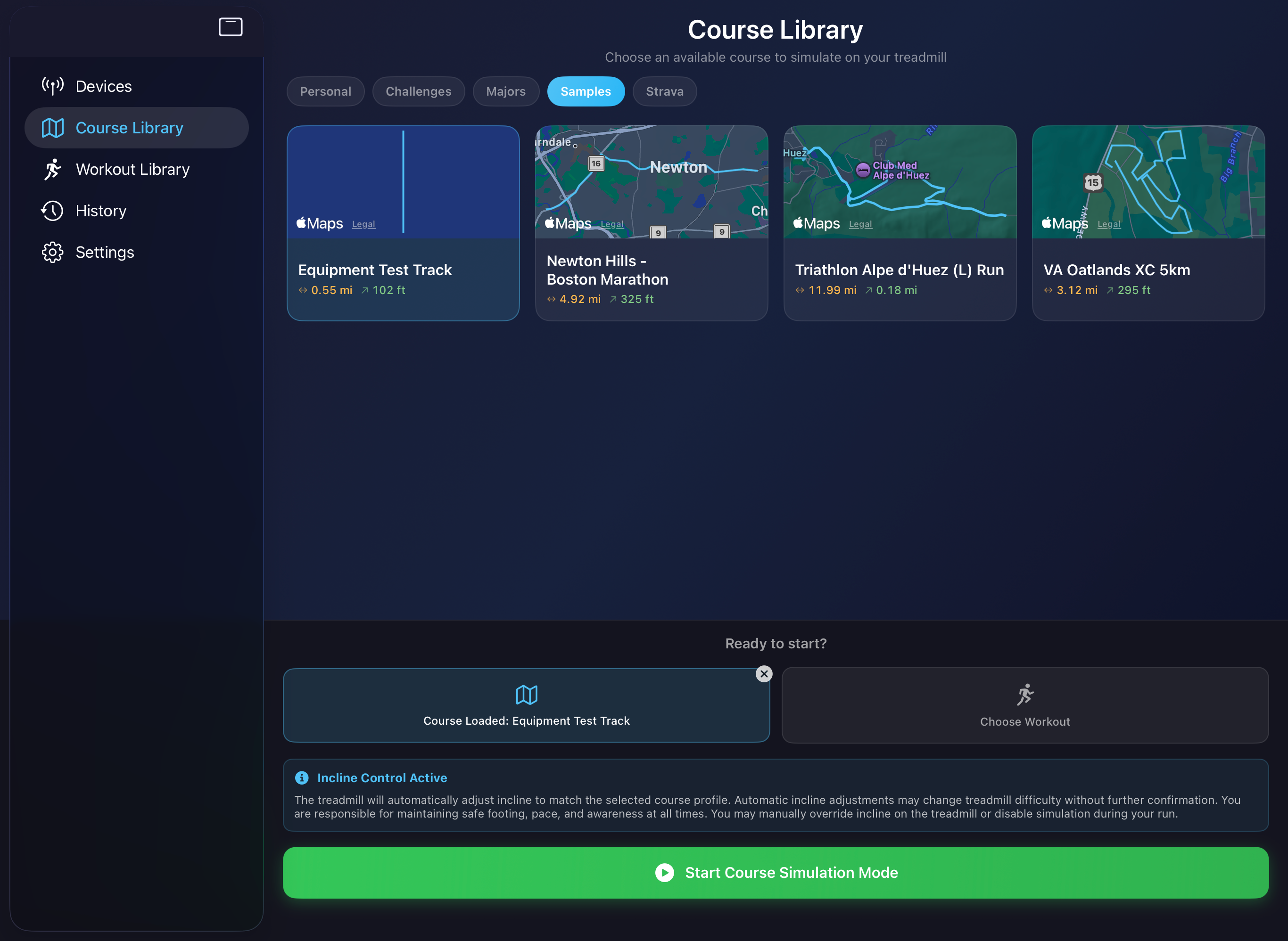
Head to the course library and open the sample courses. Load the Equipment Test Track — a short 800-meter course designed to sweep through the full range of incline and decline your treadmill supports.
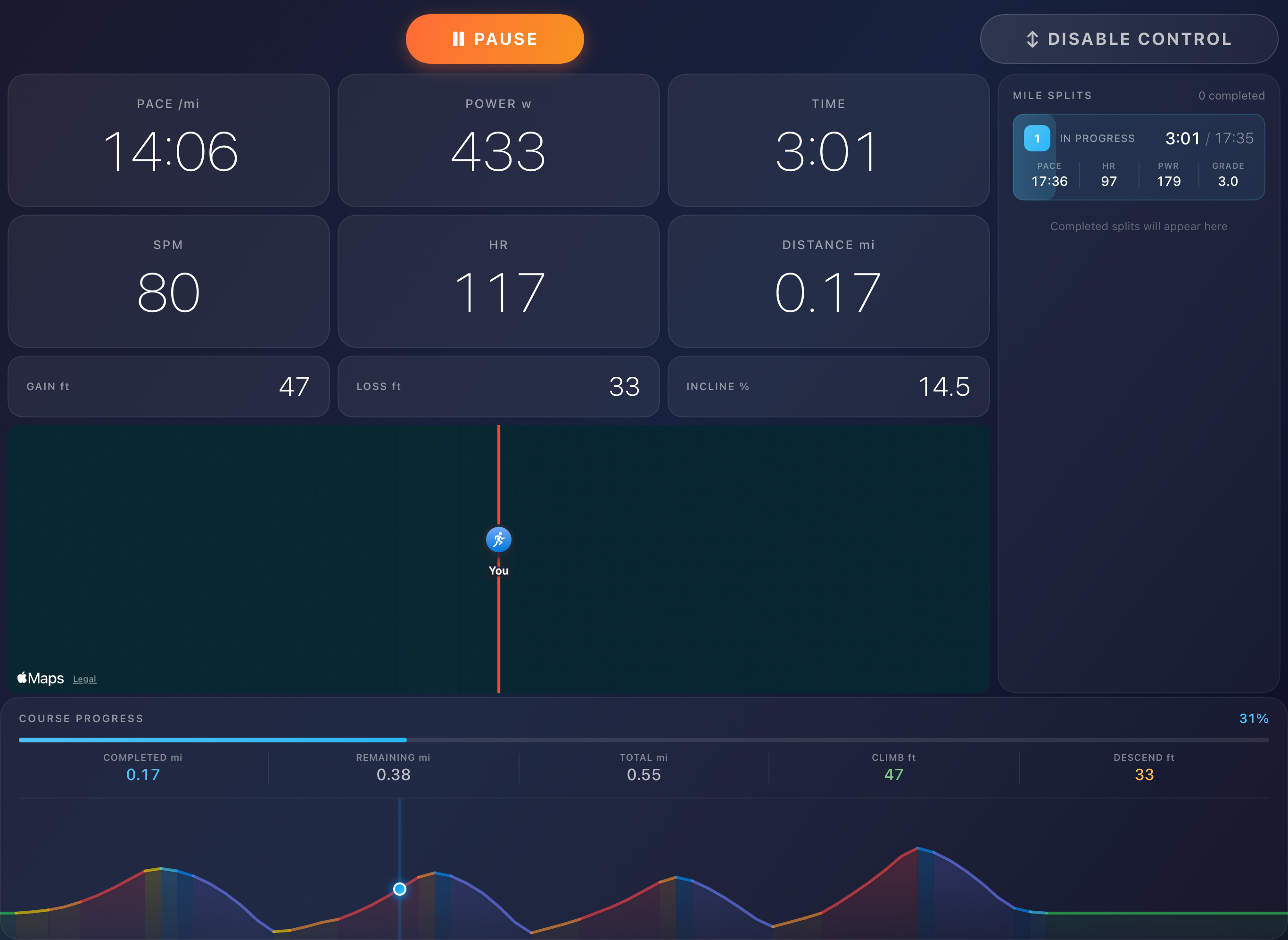
Run the test course and confirm that PowerTread adjusts your treadmill's incline automatically while displaying live sensor data on screen. If everything checks out, you're good to go.
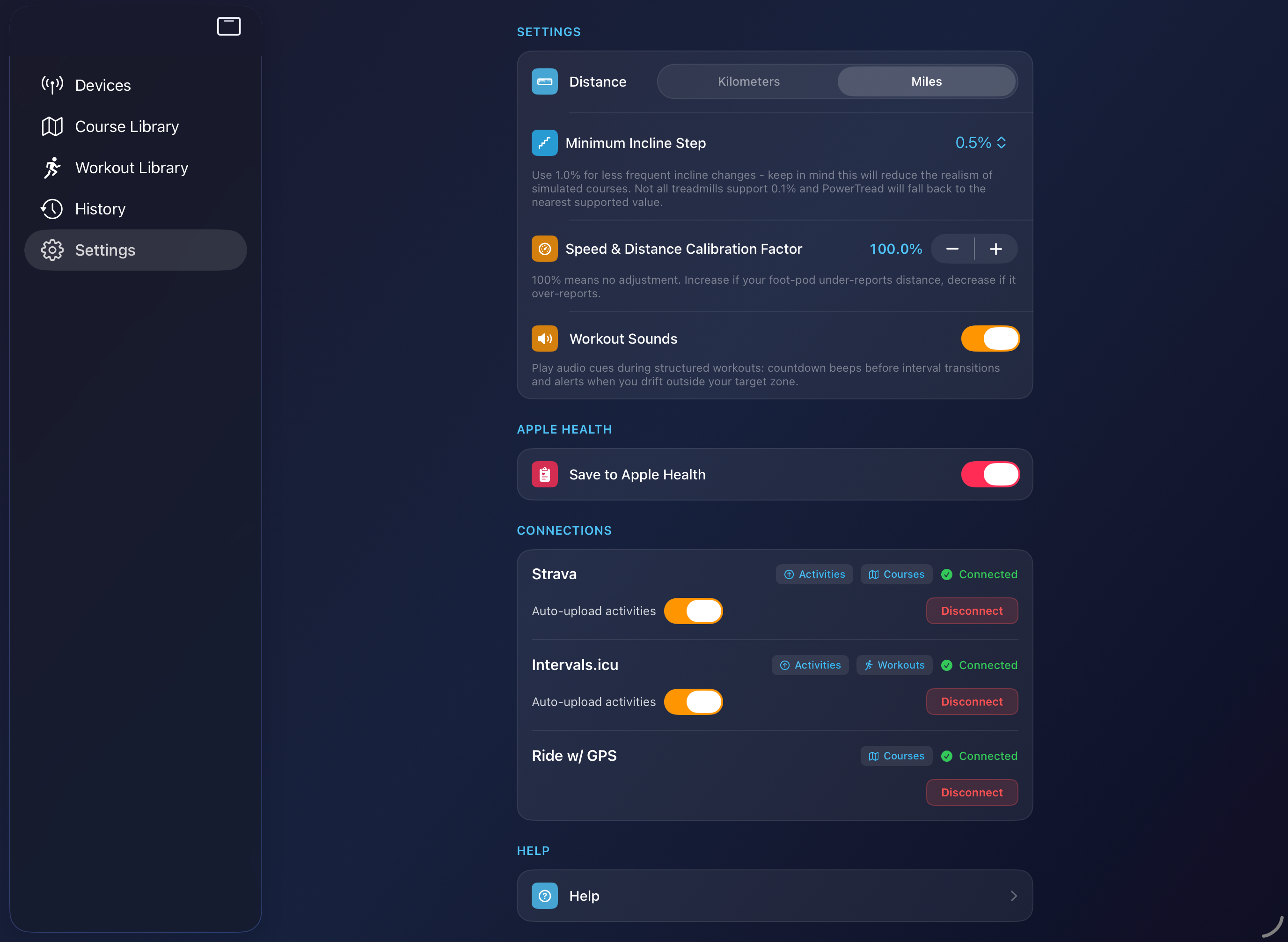
Browse the sample courses and structured workouts, connect your Strava/Intervals.icu profile in Settings to sync activities automatically. Try out one of the real world course samples to see how you like the app — there's no trial timer so take your time.
PowerTread Pro
Take your indoor training further with Pro features designed for serious runners.
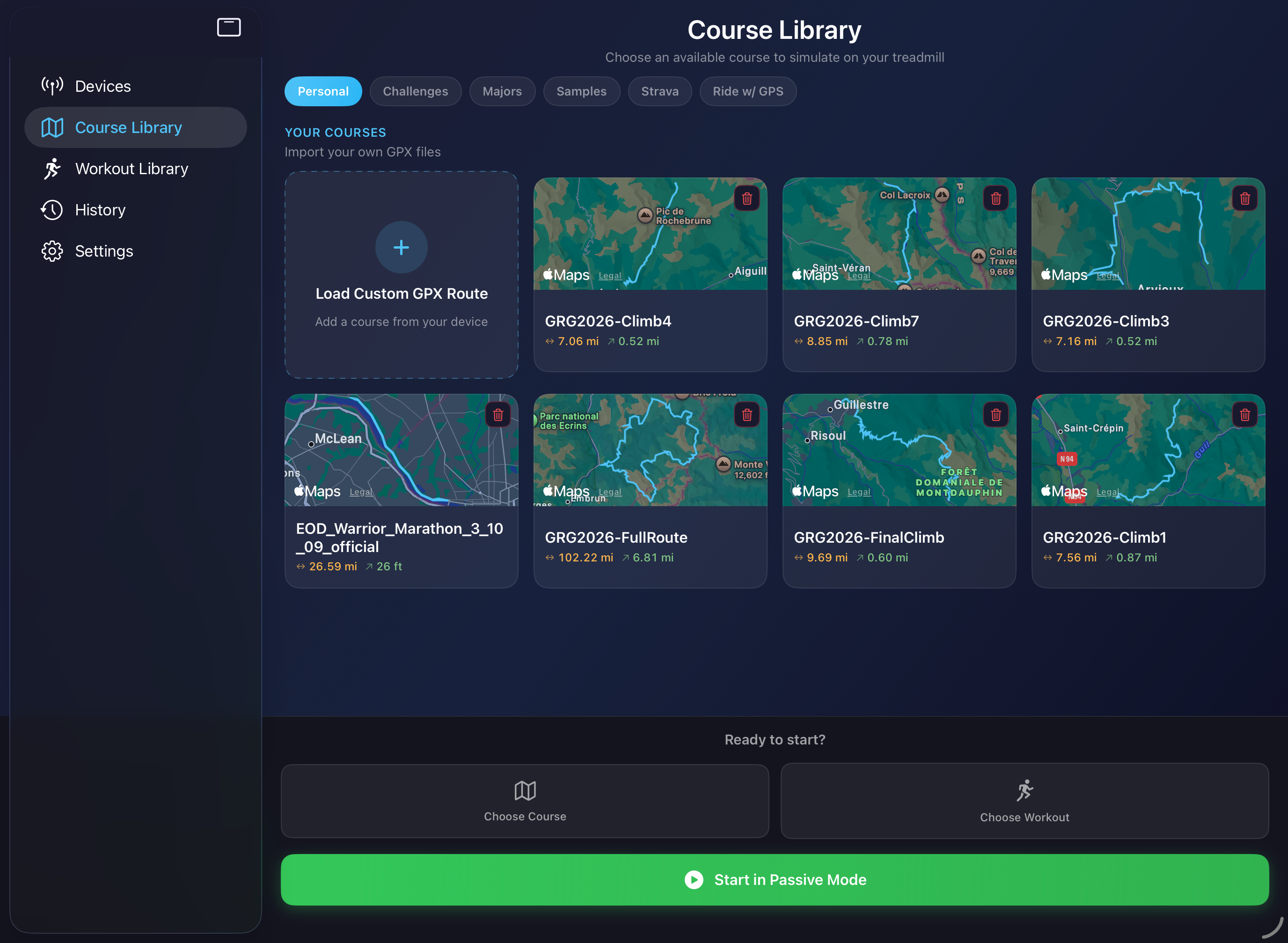
Bring in any GPX course for race-specific training or to simulate terrain that isn't nearby. If you can find it on a map, you can run it on your treadmill.
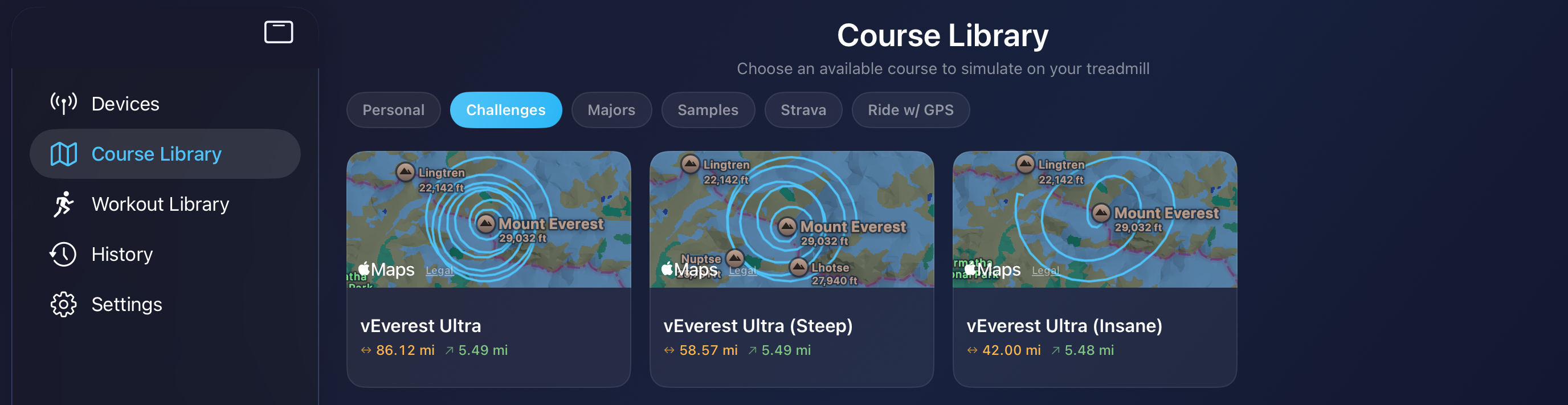
Ever fancied a Virtual Everest challenge? We've got three courses that start near the base of Mount Everest and finish at the summit — ranging from "You're nuts" to "There's something seriously wrong with you".
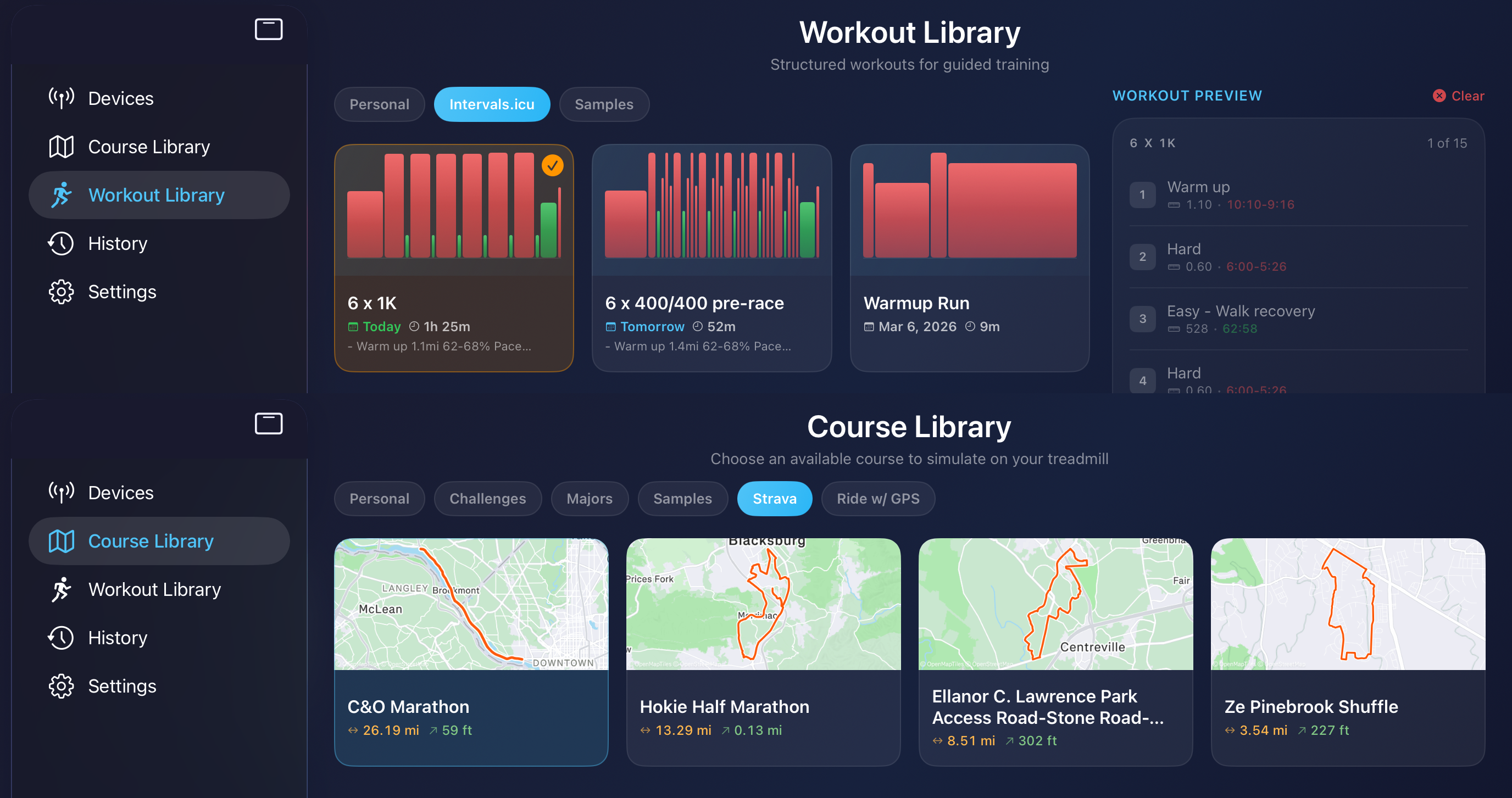
Pull structured workouts directly from your Intervals.icu calendar into your workout library. Import saved courses from Strava or RideWithGPS and run them as treadmill simulations.
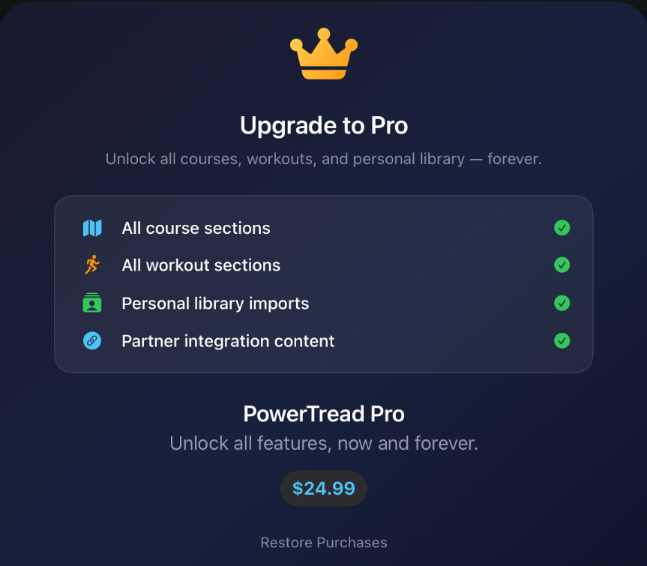
PowerTread Pro is a one-time in-app purchase — no recurring subscription fees. Your purchase supports an indie developer and helps fund new features driven by user feedback.
Compare Plans
Everything you need to get started is free. Unlock Pro for the full experience.
| Free | Pro | |
|---|---|---|
| Simulate sample courses | ✓ | ✓ |
| Execute sample workouts | ✓ | ✓ |
| Incline-adjusted running power | ✓ | ✓ |
| Passive mode (manual incline control) | ✓ | ✓ |
| Save activities to Strava / Intervals.icu | ✓ | ✓ |
| Save activities to Apple Health | ✓ | ✓ |
| Import custom GPX files | — | ✓ |
| Import custom FIT file workouts | — | ✓ |
| Simulate courses from integrations | — | ✓ |
| Challenge & Majors course libraries | — | ✓ |
| All future Pro updates | — | ✓ |
Compatibility
Designed for modern Bluetooth treadmills and running power sensors, with more devices added regularly.
Safety & Responsibility
Important: You are solely responsible for the safe operation of your treadmill at all times. Automatic incline adjustments may occur during course simulation. Always remain prepared to stop your equipment immediately and follow all treadmill manufacturer safety instructions. In the event of any discrepancy, the treadmill manufacturer's safety guidance takes precedence over PowerTread functionality.
FAQ
Absolutely. PowerTread ships with free sample courses and workouts so you can experience the full app before you spend a penny. It's also the fastest way to confirm your treadmill and sensors work perfectly with your setup.
Not at all. Passive mode lets you run freely while PowerTread quietly records your session and adjusts power readings for the treadmill's current incline. Just one Bluetooth connection and you're set. A second connection is only needed if another app like Zwift is controlling incline at the same time.
Nope. PowerTread Pro is a one-time purchase that unlocks everything — forever. That includes all future updates and new features. No subscriptions, no recurring fees, no surprise charges. Ever.
Sample courses, sample workouts, and Passive mode are completely free with no usage limits. Take your time exploring — there's no paywall clock ticking.
Pro unlocks the features that make PowerTread truly yours: import your own GPX courses, pull routes from Strava, load structured FIT workouts, and sync planned sessions from platforms like Intervals.icu. Everything you need to build a personal training library.
Yes — build your workout on any platform that exports .FIT files and add incline markers directly in each step name using the format (inc:##.#). For example: Warmup (inc:0), Hill Repeat (inc:3.5), Recovery (inc:-2.0). PowerTread reads each marker and sets the treadmill incline automatically. Note: Course Simulation is paused while an incline-based workout is active. See the full setup guide.
Finished runs can be pushed to Strava and Intervals.icu with a single tap, and saved to Apple HealthKit automatically. Want to reach even more platforms? The Apple HealthFit app makes it easy to export HealthKit data wherever you need it.