
Practise the part of the course that decides the race

Race day rarely comes down to the opening miles. Teleport starts a simulation at any point on the course, so the climbs, the late rollers, and the closing stretch can be run on their own — as many times as the build needs.
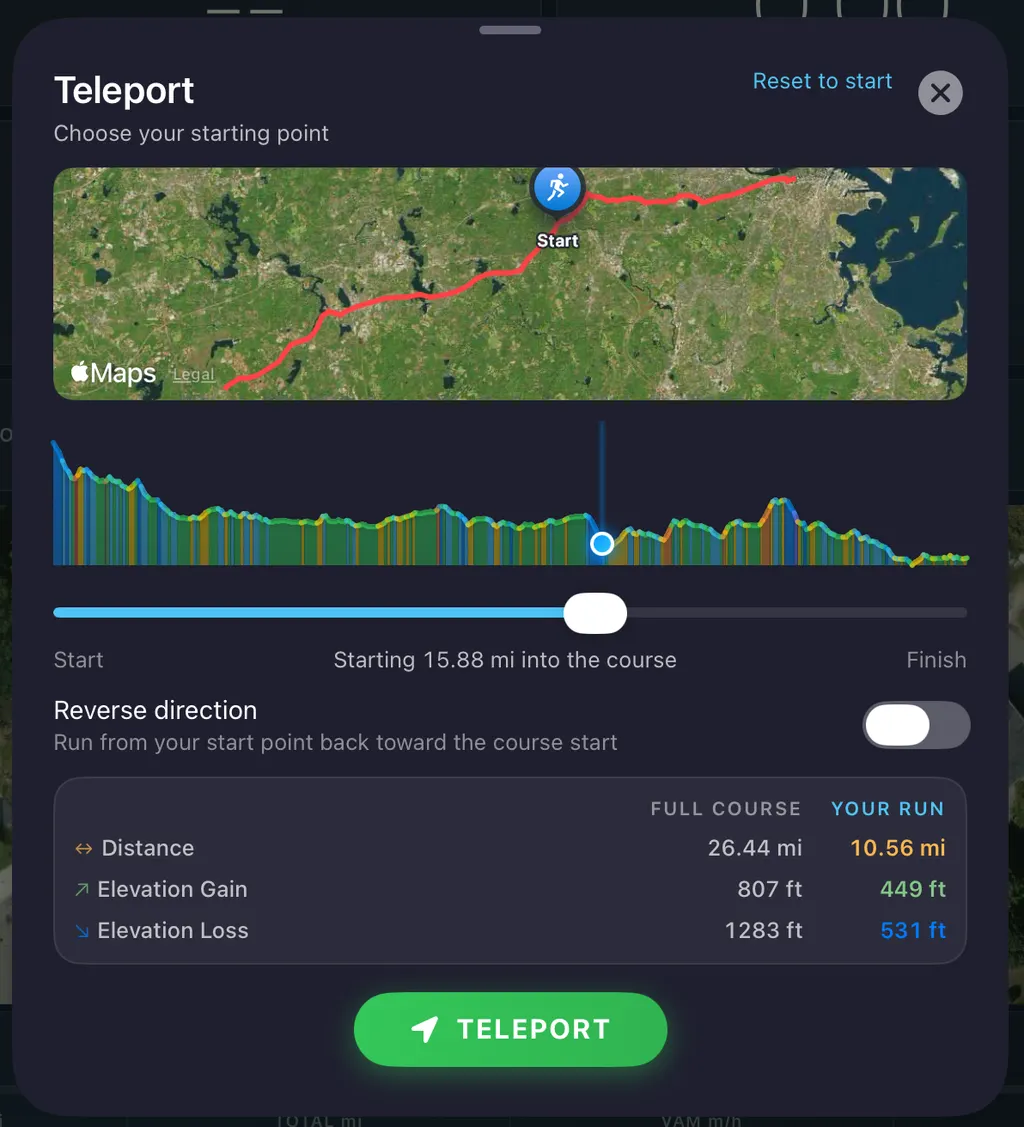
The Teleport panel: a course map, elevation profile with a draggable start marker, reverse-direction toggle, and a comparison of full-course and shortened-run distance and elevation

What runners use it for

🏔️ Race-specific sections

Boston's Newton Hills begin at mile 16. Load the course, start at 16, skip the approach.

🔍 Long-course recon

Preview the hardest 10 km of an ultra without running the other 70.

Setting a start point

  1. Select a course — From your personal library, the sample libraries, or an imported GPX file.
  2. Start course simulation — Load the course into simulation mode and wait for the run screen.
  3. Tap Teleport before you start — Pick your point on the course and whether to run on toward the finish or back toward the start, then begin the activity.